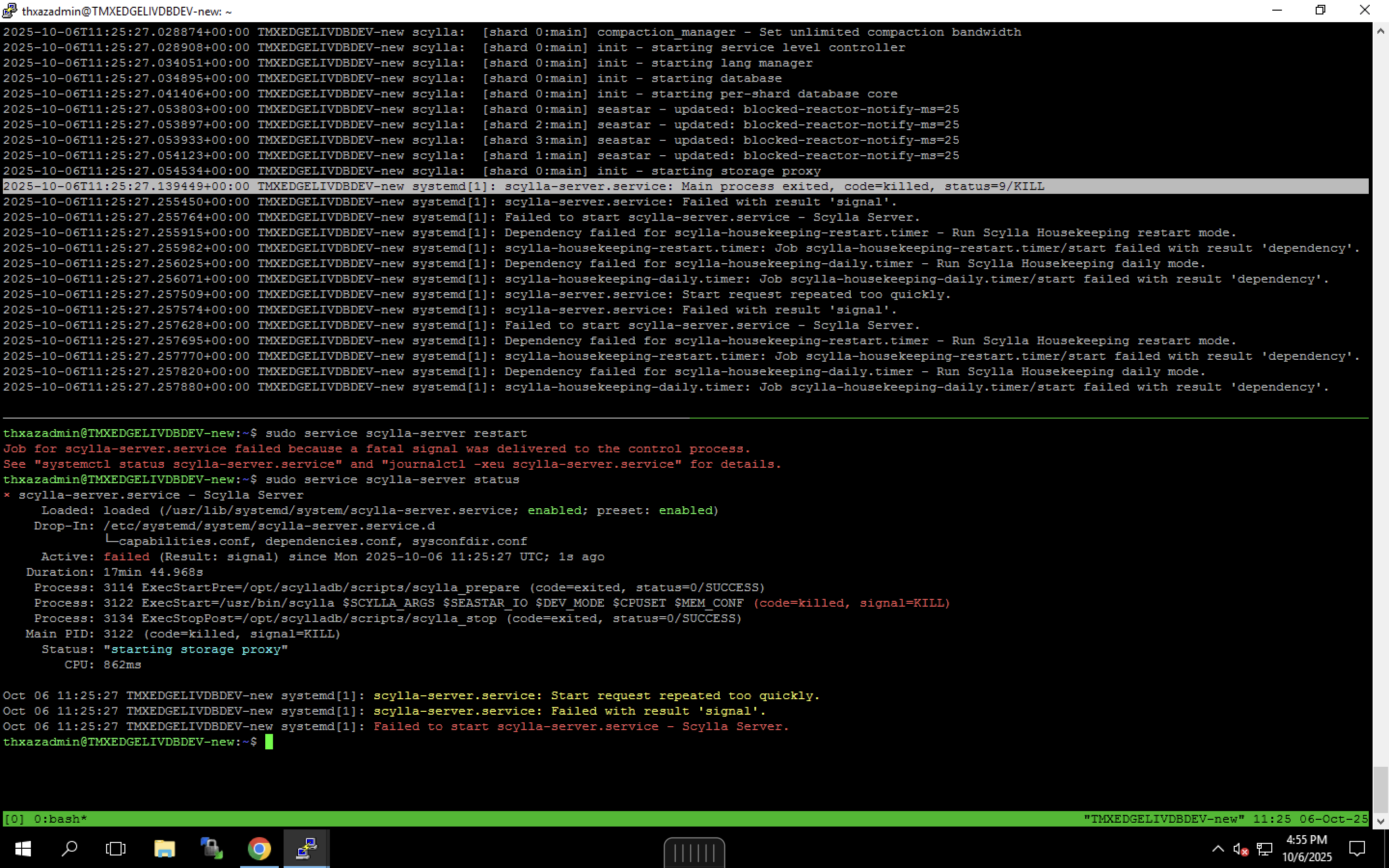
Below is a comprehensive checklist based on official ScyllaDB security and requirements docs, as well as database best practices for AV exclusions.
Essential ScyllaDB File and Directory Exclusions
For a standalone ScyllaDB deployment on Ubuntu, you should exclude these from antivirus real-time scanning and mitigation, especially with Sentinelone:
ScyllaDB server binary (default location):
/usr/bin/scylla
ScyllaDB system service scripts (typically):
/usr/lib/systemd/system/scylla-server.service
Configuration files:
/etc/scylla/
Data directories (most critical, required for disk access and integrity):
/var/lib/scylla/
/var/lib/scylla/data/
/var/lib/scylla/commitlog/
/var/lib/scylla/hints/
/var/lib/scylla/saved_caches/
Runtime directories and logs:
/var/log/scylla/
/tmp/scylla* (used for temporary files and socket communication)
Additional Recommendations
Whitelist any custom install location if you use non-default paths for binaries or configs.
For upgrade scripts or web installer, also exclude:
/opt/scylladb/ (used in some package installs)
Do NOT exclude entire /var/ or /usr/ unless the path is dedicated to ScyllaDB.
Exclusion Principles for Sentinelone
Use path-based exclusions for all listed directories and binaries.
If Sentinelone flagged specific binaries, exclude the SHA1 hash as a targeted file exclusion.
Avoid excluding the entire system; only necessary paths/binaries to minimize risk.
After adding exclusions, restart Sentinelone services and verify that ScyllaDB processes (scylla, scylla-server) can start and run without interruption.
Advisory Notes
Running a database engine with antivirus, even with exclusions, can sometimes interfere with performance and stability. Ensure excluded directories (especially /var/lib/scylla/) are never quarantined or locked.
Always keep ScyllaDB up to date for best security alongside active antivirus.